Draft
Skrib's Draft applies standard stage play formatting automatically. Dialogue falls where it should, stage directions nest beside action, and the page stays focused on the words.
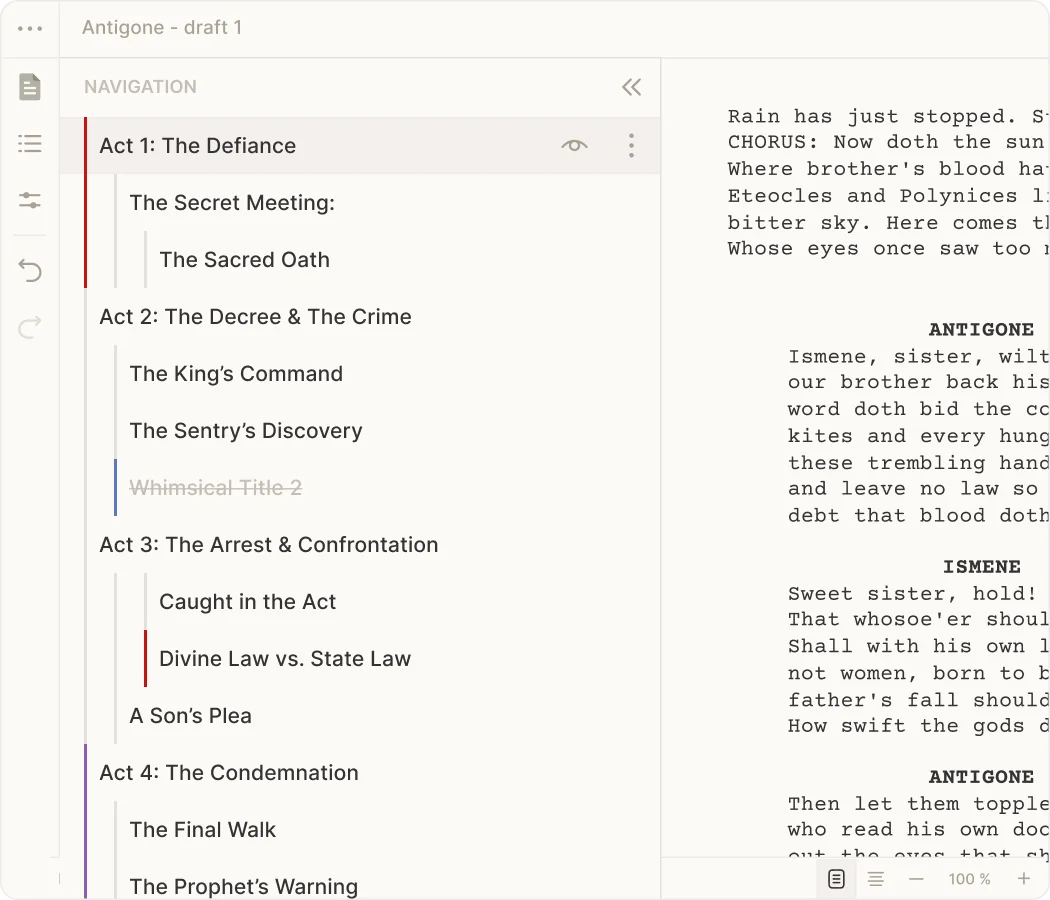
A studio for writing plays. Dialogue, stage directions, character lists and scene structure stay organized. No templates, no forced workflows. Just space to write.
Free to start · Your work stays yours
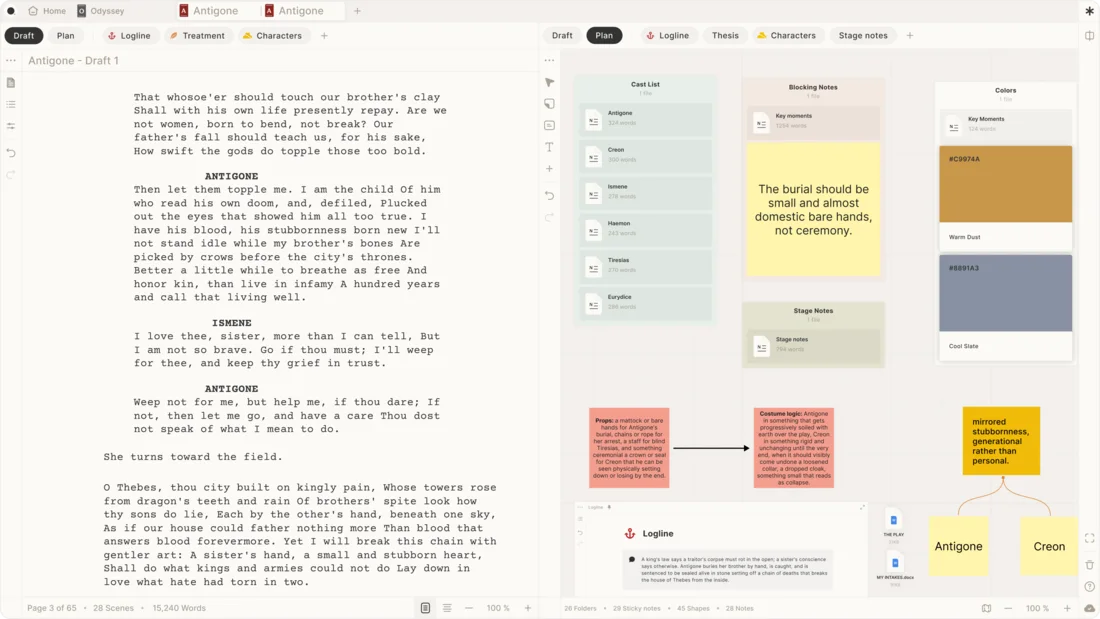
Theater scripts live in a different world. Skrib's Draft applies standard stage play formatting automatically. Dialogue falls where it should, stage directions nest beside action. Most script writing tools treat screenplays, teleplays, and stage plays the same way. They aren't. A play's rhythm is built on the actor's voice and a live stage, not the camera.
Skrib's Draft applies standard stage play formatting automatically. Dialogue falls where it should, stage directions nest beside action, and the page stays focused on the words.
Every play needs a shape. Five acts, or three. Your Board shows the structure at a glance: move scenes, track character threads through your acts, see which scenes carry the plot's weight. Scene mapping for plays that keeps the architecture visible while you write, so you make structural decisions instead of discovering them later.
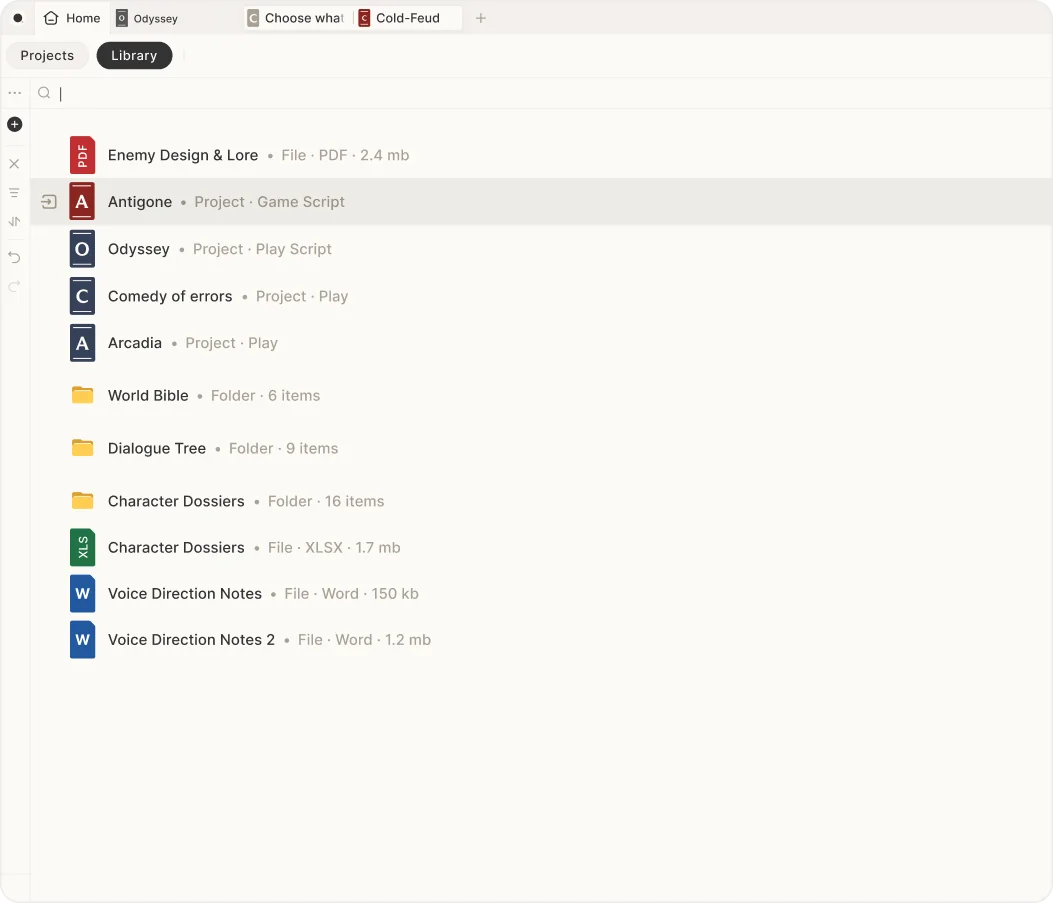
Your Library holds character lists, research, fragments, and earlier versions: the play you're writing now and the ones you've finished. Export a clean script for a table read, or pull dialogue and stage directions into a document formatted exactly as theaters need it. No manual reformatting.
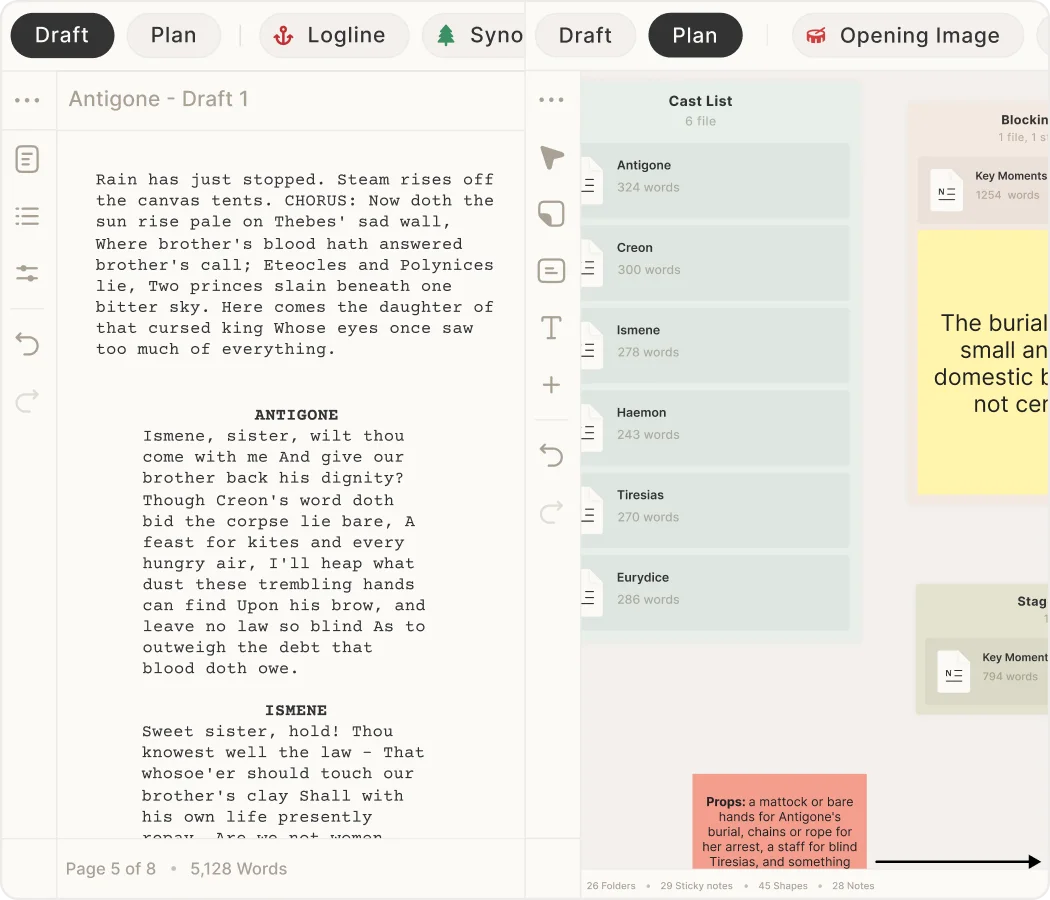
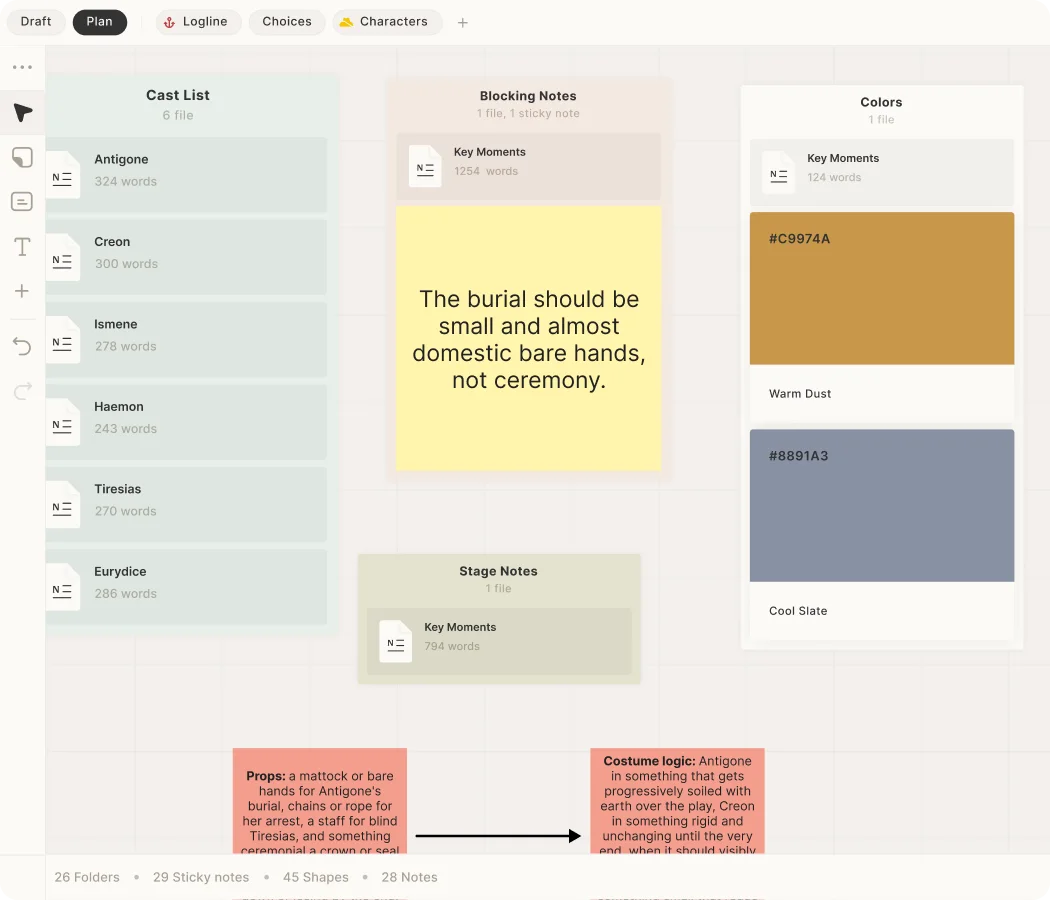
A two-act play with a rotating cast: some characters in every scene, others just once. You need to see who enters when and who exits where, while still writing dialogue and feeling the rhythm of the language. Draft keeps the words flowing, Board shows the skeleton, and your Companion tracks who needs to be onstage and which props matter.
Some playwrights outline first; others discover structure as they draft. Skrib doesn't force the order. Map your Board before writing or after the draft exists. Either way, software for theater scripting keeps the architecture visible. Move a scene and the Board reflects it. Add a character and reference them everywhere.
The script is finished, and it's heading to a reading, a rehearsal room, or a submission pile. Skrib's stage play export uses the standard layout actors and directors expect: clean dialogue formatting, readable stage directions, character names where they belong. No reformatting, no confusion.
The short answers writers tend to ask first.
Skrib is built specifically for theater scripts. Stage plays have different formatting rules than screenplays. Character names sit on dialogue in different ways. Stage directions integrate with action differently. Your scene headings and act breaks follow theater conventions, not film conventions. Skrib handles that automatically, so you focus on the play itself.
Yes. Your Board lets you map scenes across acts and track which characters appear when. You can see the full structure of your play at a glance, move scenes around to test new arrangements, and make sure character arcs sit where they need to. It's scene mapping and act structure in one view.
Your plays sync across any device. You can open your draft on your laptop at home, your tablet in a rehearsal room, or your phone at a coffee shop. Everything stays up to date. When you export for a table read or submit to theaters, your script formats automatically in standard stage play layout, ready to go.
Export your script as a formatted document that matches professional stage play standards. Actors see clean pages with dialogue and stage directions exactly where they belong. Directors and theater companies recognize the format. No extra steps. No manual formatting needed.
Try Skrib free for 7 days. Plans start at $12 a month, or $3 for your first month, and the AI plans add credits for drafting and revision.
Still have a question? Visit the Help Center
